
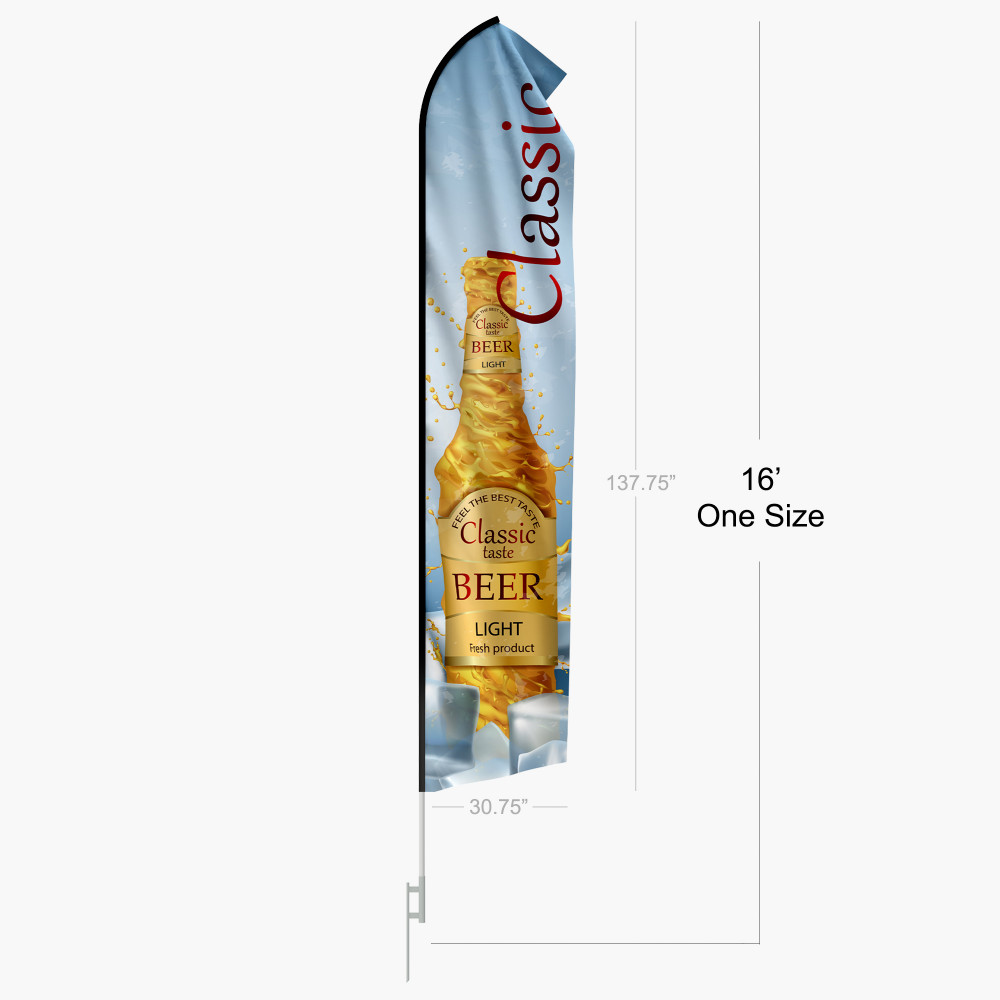


Description
Description
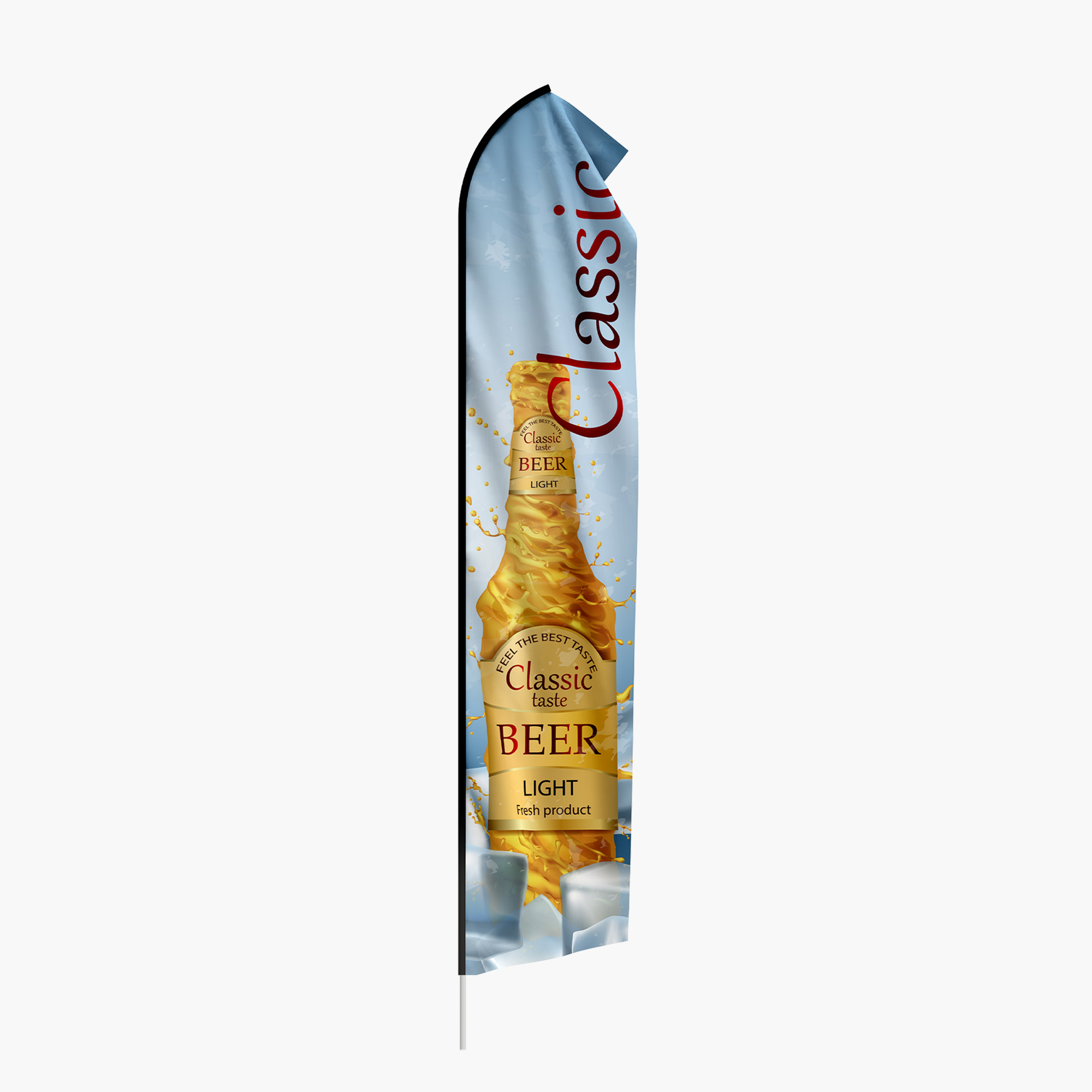
Make your storefront or outdoor event easier to spot with a custom Econo Feather Flag. The display reaches 16 feet when assembled, and its free-flying edge moves in the breeze to draw attention.
Choose a complete Flag + Pole package with a ground stake for soft ground, or order a replacement Flag Only. Your design is dye-sublimated onto washable 4 oz polyester mesh.
This product is single-sided print-through: the reverse shows a mirrored version of the front design. Choose a left-hand pole sleeve for regular print-through or a right-hand sleeve for reverse print-through.
Applications
Outdoor storefront displays, planters, soft-ground installations, and events.
Spec
Size & Specifications
One Size: 16′ (Assembled Height)
Graphic Size: 30″ x 137.75″
Flag Weight: 0.79 lbs
Flag w/ Pole Weight: 3.39lbs
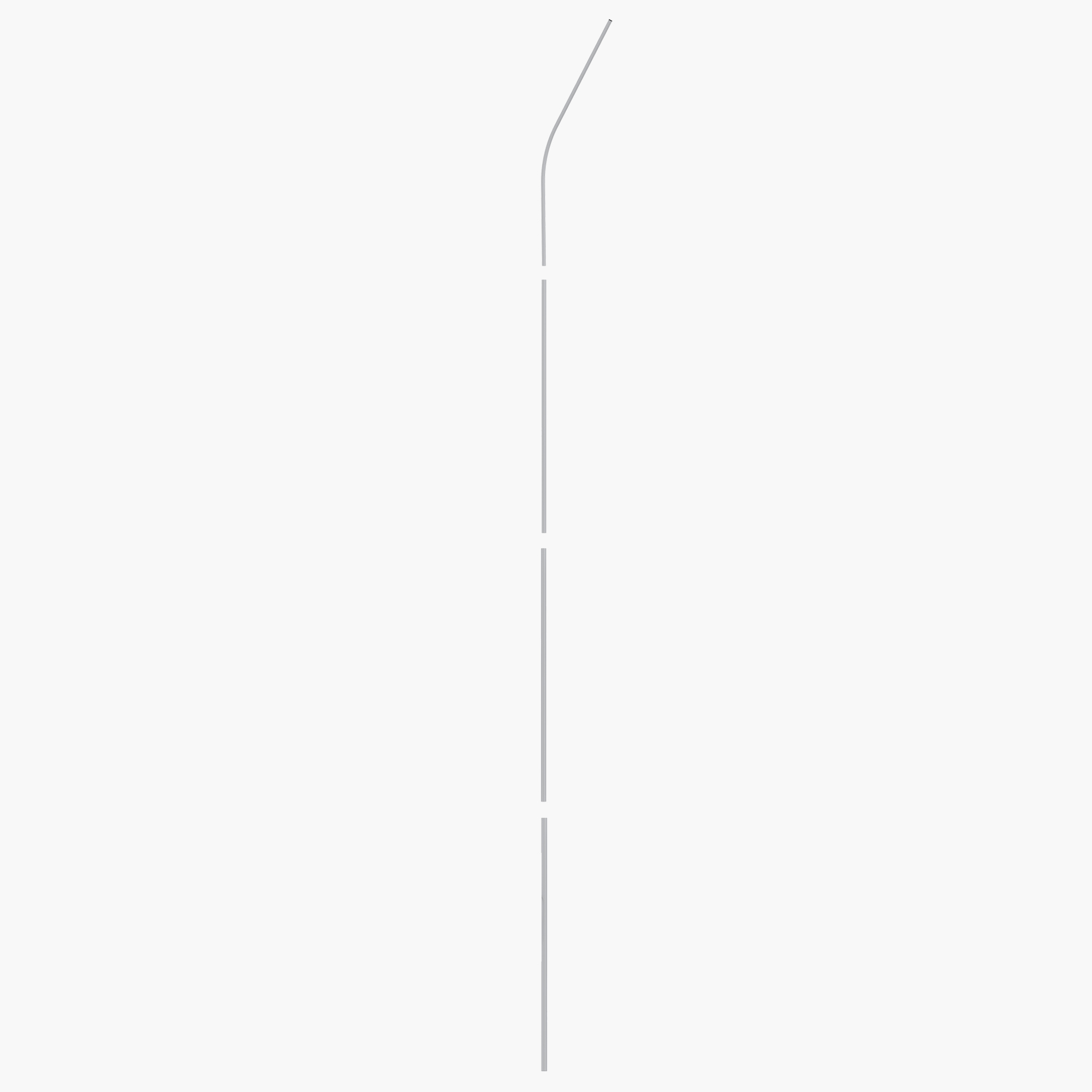
Pole Set Pcs: 4 pc (3 straight / 1 curve)
Material & Print Specifications
Print Method: Dye Sublimated
Graphic Material: 4 oz Polyester mesh flag
Washable: Yes
Hardware & Assembly
Pole Set: Aluminum and graphite pole set, Tool Free Interlocking poles
Base Hardware Specifications
Ground Stake
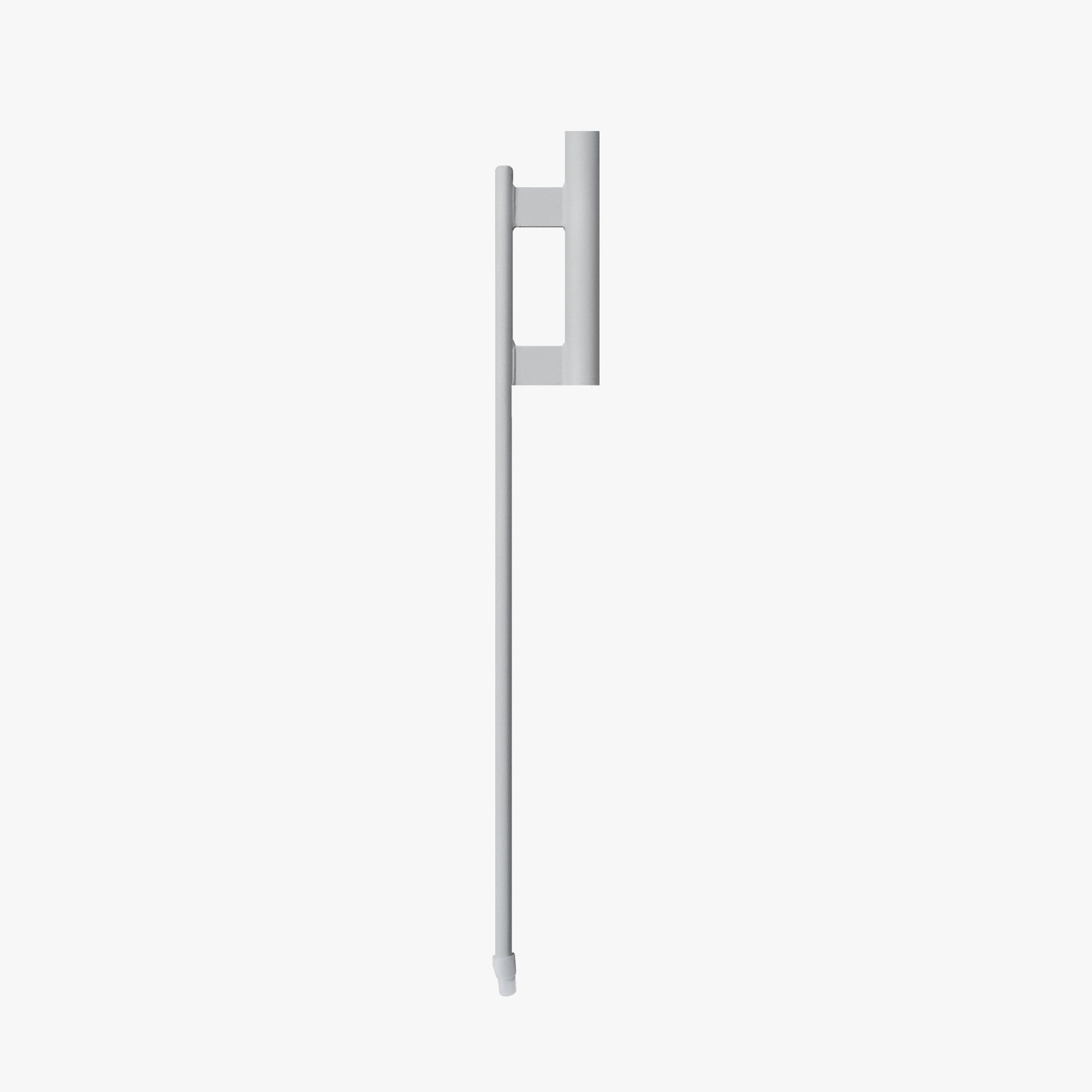
- Material: Aluminum
- Weight: 3.6 lbs
- Use: Outdoor soft ground
File Setup
- Accepted File Formats: JPEG or PDF (single page only)
- Color Space: CMYK
- Resolution: 150dpi for raster images (More than enough for large format)
- Max File Upload Size: 10 MB on this website
- Submit artwork built to ordered size – Scaled artwork is automatically detected and fit to order
- Do not include crop marks or bleeds
Additional Tips
- Do not submit with Pantones/Spot Colors – Convert to CMYK
- Convert live fonts to outlines
- Use provided design templates when available
Template Download Template User Guide
 |
 Photoshop |
|---|---|
- Do not adjust artboard size
- Do not reposition guidelines
- Design on layer labelled “Artwork”
- Delete mask/guide layers when instructed by template
Installation Guide
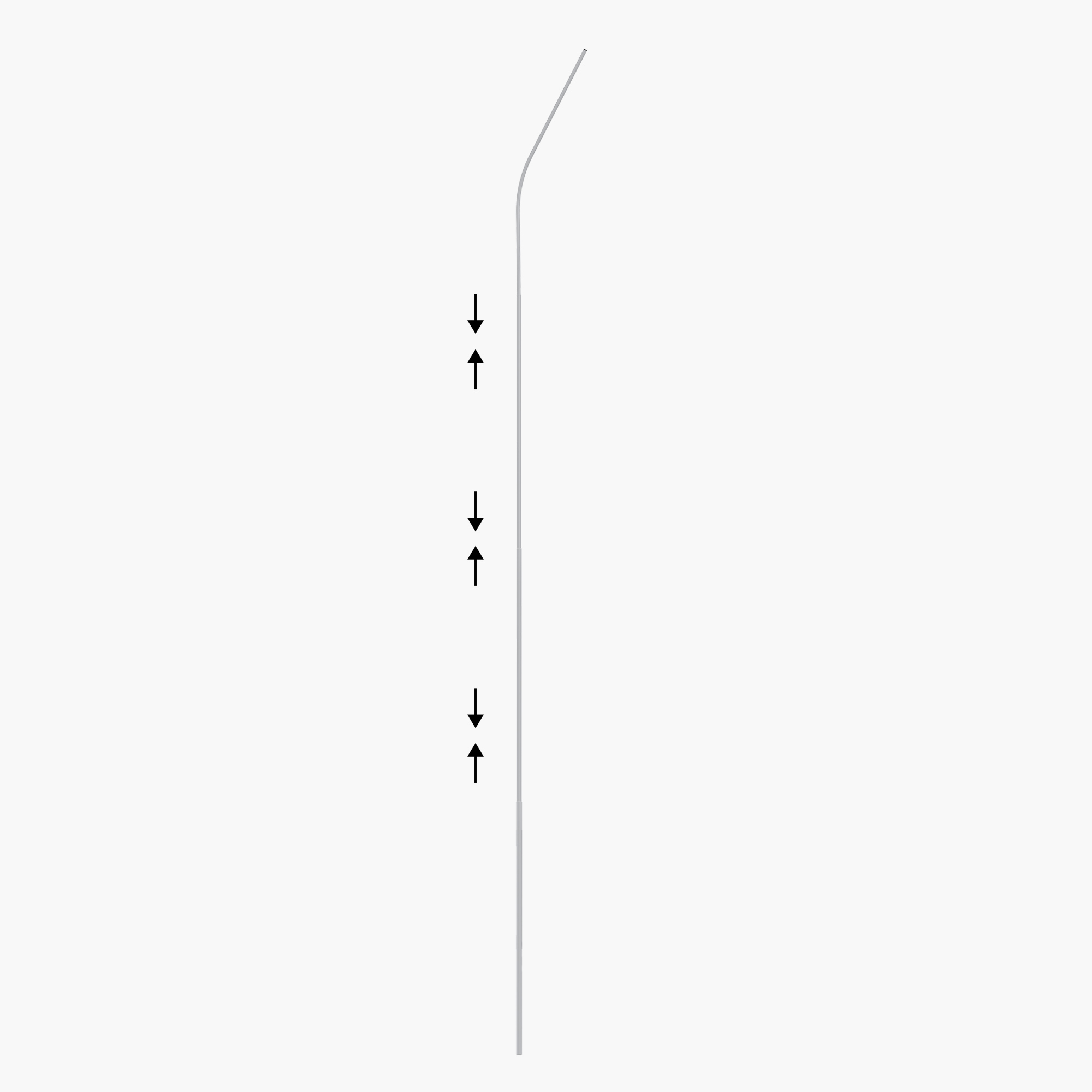
*Tip
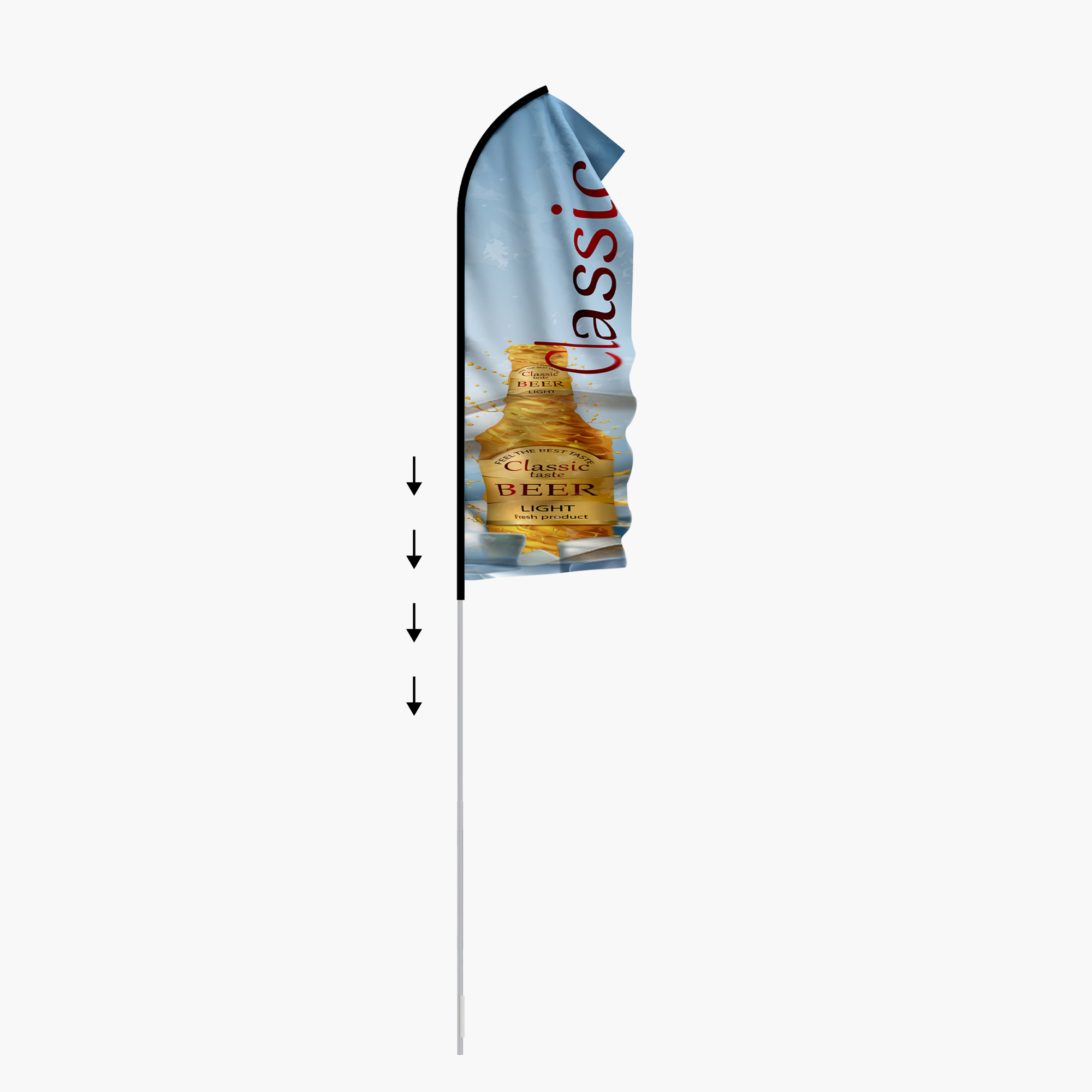
If the flag appears wrinkled or loose after setup, please ensure the elastic cord at the bottom is pulled tight. A firm tension will help the flag stay smooth and properly displayed.
Template User Guide
Design Apps
- Use industry-standard graphic design applications for best compatibility.
- Recommended applications:
- Adobe Illustrator (for PDF templates)
- Adobe Photoshop (for PSD templates)
- Corel Draw (for CDR templates)
- Designs from other applications should be submitted in JPEG format to ensure consistency.
Design Checklist:
- Design on the “Artwork” layer or create a new layer above the template.
- Once you’ve finalized the design, remove all template layers, leaving only your artwork.
- Flatten all gradients and transparencies and outline all text.
- Ensure that all template layers are deleted.
- Upload file is a single page PDF or JPG file @ 150dpi.
- If printing DTF, upload a PNG file.
Helpful Template Tips
- Use our template as a guideline for logo and graphic element placement.
- Our materials are white; any non-design areas will remain white.
- For Advertising Flags, maintain a minimum 2-inch margin from all edges to ensure text visibility.
Print-ready Checklist:
- PDF Files: Must be flattened and all text outlined.
- Submit files as a Flattened PDF (Single Page) or JPEG only, without crop marks or bleed.
- For custom-sized products, ensure your graphic matches the product dimensions exactly.
- For template-based products, the dimensions must match the provided template exactly, not just the graphic area.
- Use CMYK color mode; Pantone or RGB colors may lead to inaccuracies.
- Submit files at 150 DPI, with a maximum file size of 10 MB. Graphics over 200″ can be scaled accordingly.

Reviews
There are no reviews yet.