Watch on your computer
Choose a file format compatible with your computer or playback software. Tell us which device you plan to use.

DVD to digital file conversion
DVD to digital files in Simi Valley.
Bring your personal video DVDs to SpectraColor. We’ll convert your recordings into video files for viewing, editing, or adding to a family montage—without relying on a DVD player for every viewing.
Call 805-581-0722See conversion price2139 Tapo St., Suite 116 • Simi Valley, CA 93063
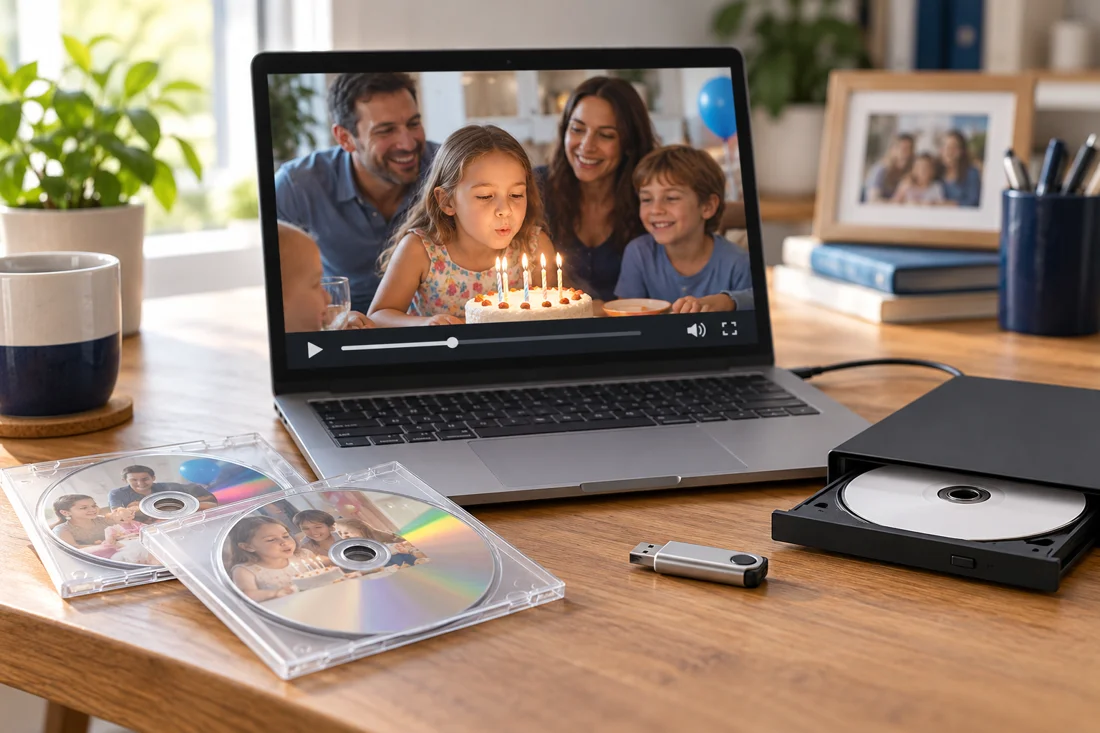
Make your memories easier to use
Your wedding, birthdays, and family milestones can live beyond a disc. A digital video file gives you more ways to use your personal recordings, with the right format for your device or editing software.
Choose a file format compatible with your computer or playback software. Tell us which device you plan to use.
Use your footage in a family slideshow, anniversary video, or editing project. Bring your software’s file requirements.
Store a backup of your completed files on another drive or your preferred storage service. Keep the original DVD, too.
Quantity pricing for your personal DVDs. Prices are per DVD, plus tax.
Tell us how many DVDs you have, your preferred file format, and how you’d like to receive your videos. We’ll confirm compatibility, delivery, and any special requests before beginning.
Discuss your DVDsTell us if you need MP4, MOV, AVI, MPEG, or another format. We’ll confirm a suitable option for your source DVD and intended use.
A filename extension alone does not guarantee compatibility. Tell us your device or editing software so we can discuss the appropriate format.
Keep discs in their cases and label them with a title or date. Let us know about scratches, playback trouble, or discs from older camcorders.
We’ll discuss playback or editing requirements, delivery, and current turnaround before beginning the conversion.
Open your completed videos in compatible software, use them in your project, and keep a second copy for safekeeping.
We convert your personal recordings. We do not convert commercial copyrighted movies or copy-protected entertainment discs.
Converting a DVD to a file does not automatically make it HD or 4K. The result depends on the original recording and whether the disc can be read.
We also convert compatible video files to DVD or Blu-ray. For that service—or recordings still on VHS or camcorder tapes—visit our DVD transfer page or contact us for a quote.
DVD to digital conversion is $19.99 each for 1–4 DVDs, $17.99 each for 5–9, $14.99 each for 10–19, $13.99 each for 20–49, and $12.99 each for 50 or more, plus tax. Discuss delivery media and any special requests before your order begins.
Yes. Tell us your editing software and preferred format, such as MOV, AVI, MPEG, or MP4. We’ll confirm compatibility for your project.
Compatibility depends on the device, playback software, and file encoding. Tell us where you plan to watch so we can discuss a suitable format.
Contact us before bringing in problem discs. Readability varies, and we’ll need to discuss the disc type and condition. Some camcorder discs may need finalizing on their original equipment.
No. This service is for your personal recordings. We do not convert commercial copyrighted movies or copy-protected entertainment discs.
Call for current turnaround. Timing depends on the number of discs, recording lengths, readability, and requested file formats.
Local Simi Valley service
2139 Tapo St., Suite 116
Simi Valley, CA 93063
Century Square Shopping Center
Monday–Friday: 9 a.m.–6 p.m.
Saturday & Sunday: Closed
Tell us the number of DVDs, what’s recorded on them, and how you want to use the finished files.
Serving Simi Valley and nearby Moorpark, Thousand Oaks, and Chatsworth.